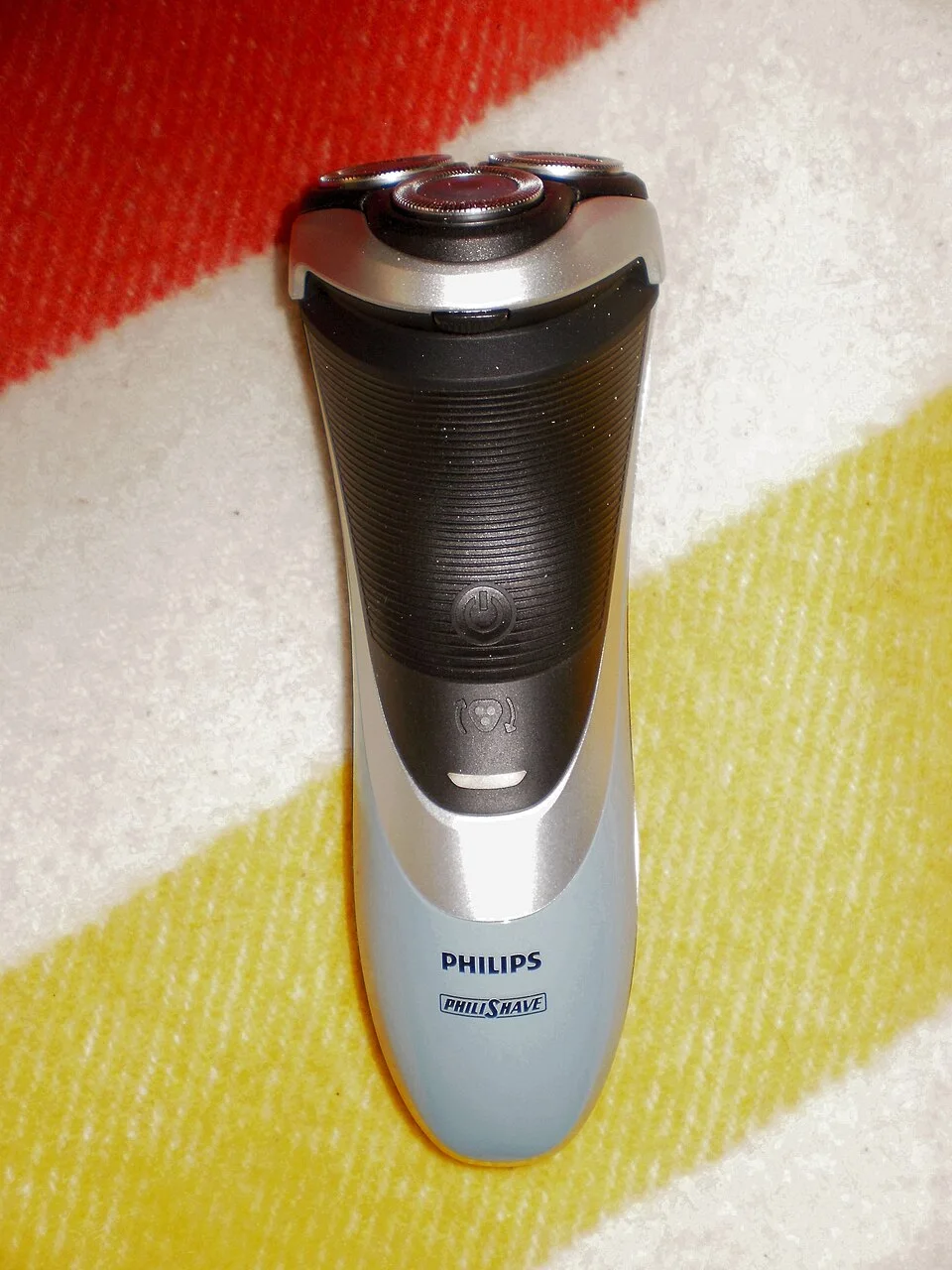

Use the model code printed on your Philips handle to find its replacement heads in the manufacturer’s support information or manual. Philips rotary shavers use several head systems, each with its own compatibility information.
The replacement pack has a separate reference, such as SH50/52. Use the reference listed for your handle when comparing offers, and read the supplied-parts description if the holder or hinge also needs replacing.
Why “Series 5000” is not enough
The US SH71/52 page distinguishes angular-shaped Series 5000 shavers from rounded-shaped Series 5000 shavers. That distinction matters: the shared series number does not establish that the same cutting heads fit both designs.
SH30/52, SH50/52, SH71/52 and SH91/52 are separate replacement-pack references. The SH code identifies a head family; the complete code and its suffix identify the listed pack. Use the support page for your exact handle instead of choosing the newest or highest-numbered pack.
| What you know | What to check next |
|---|---|
| Only “Series 5000” | Check the complete handle code and rounded versus angular shaving unit; the series name spans different head families. |
| SH30/52, SH50/52, SH71/52 or SH91/52 | Keep the full reference and /52 suffix. Open its model list and compare your handle code. |
| A broken holder, hinge or retaining ring | Check the supplied components. Cutters and guards alone do not replace the surrounding holder. |
Reading the model code
Look on the back of the handle, where Philips directs owners on its SH50/52 product page. Copy the whole code, including any suffix after the slash. Keeping the shaver or a clear photograph nearby makes it easier to resolve an unclear character.
Enter the full model code in Philips support and find the replacement listed for it. The supported-model information accompanying the pack lets you confirm the match before ordering.
Cutting heads and the surrounding holder
The round cutting heads consist of cutters and guards. The holder surrounds these parts and attaches to the rest of the shaving unit. A pack of cutting heads may leave the existing holder in place.
For a cracked holder or broken hinge, confirm that the replacement includes the damaged component. Read the included-items description alongside the photograph, and ask the seller about any difference between them.
Preparing to fit the parts
Philips uses several retaining arrangements, including individual rings and a retaining frame. Find the removal and installation diagram that corresponds to your device before dismantling the head. If the diagram differs from the parts in front of you, find the appropriate instructions before proceeding.
A photograph of the assembled head can help you record its orientation. Keep the replacement packaging until the components are installed and the assembly has been checked.
Find your Philips Norelco head
Where’s my model number?
Use the complete model number from the handle, underside label or rating plate.
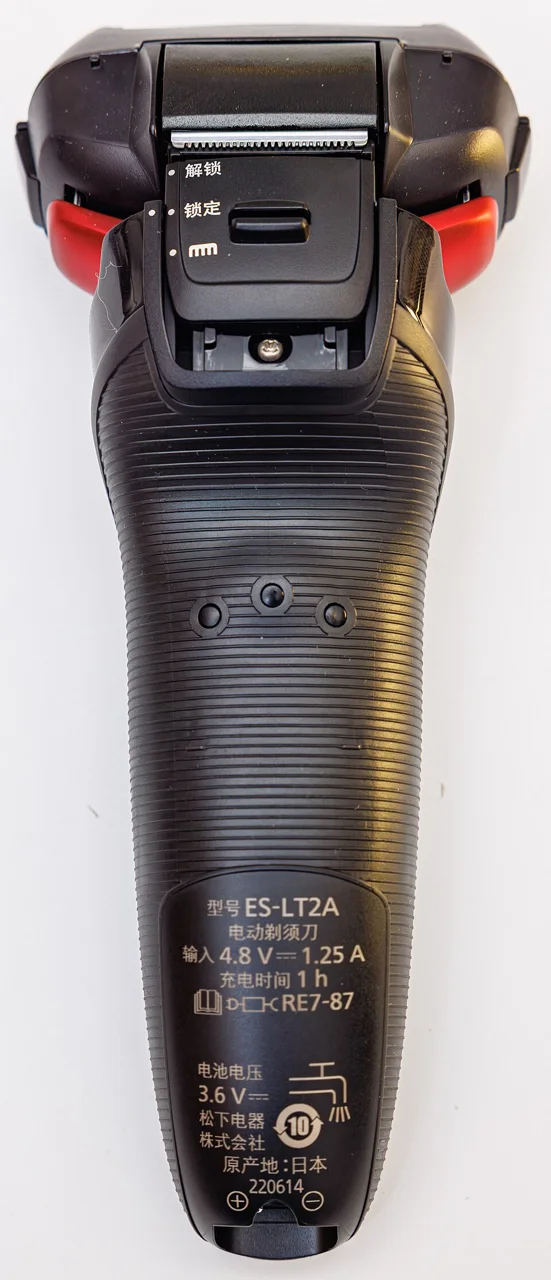
Photo credit & source
Original photograph · Orientation normalized, resized within 1280 × 1280 pixels and converted to WebP; no crop. Original reuse terms retained.

Browse Philips Norelco replacement parts for part references and model lists.
Check replacement references
| Reference guide | What to check |
|---|---|
| Philips Norelco SH30/52 Replacement Heads: Fit Guide | Start with SH30/52 for the US pack listed in this Philips Norelco replacement family. SH30/50 is a separate regional reference; compare the complete pack and model codes instead of discarding their suffixes. |
| Philips Norelco SH50/52 Replacement Heads: Fit Guide | SH50/52 is a US replacement-pack reference for a Philips Norelco rotary-head family. Confirm the full model code and distinguish the cutting heads from the surrounding holder or hinge. |
| Philips Norelco SH71/52 Replacement Heads: Fit Guide | SH71/52 is the US replacement-pack reference in this Philips Norelco head family. Other markets also list SH71/50. Keep the pack suffix and your full shaver code when checking the manufacturer information. |
| Philips Norelco SH91/52 Replacement Heads: Fit Guide | Compare SH91/52 US packs using the complete shaver code. SH91/50 also appears in other markets, so the shared SH91 prefix should not replace a check of the full reference and supplied parts. |