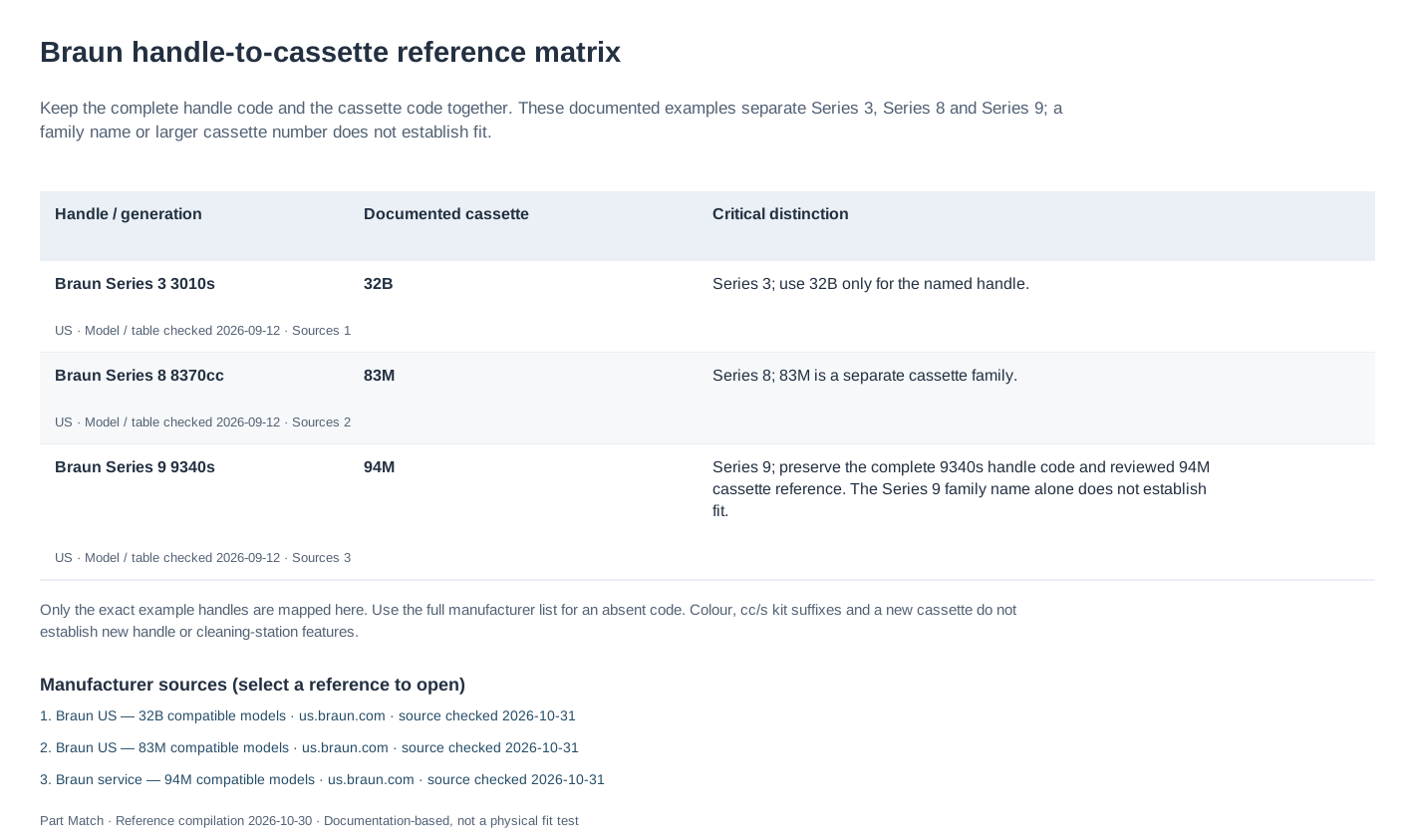
Braun’s support information can identify the replacement head using the model or type number on your shaver. Copy the handle’s complete markings before searching, including both identifiers when they are present.
Keep the shaver’s model number and the replacement-head reference together in your notes. One identifies the appliance and the other the part to order, which makes both useful when comparing listings or asking a seller about compatibility.
For a Series 9 9340s, Braun’s US service lists name both 94M and 96M. The 96M is sold with Ultra Thin Precision Blades; Braun also names handles whose numbers do not start with 96. The comparison below separates that design description from the exact model lists.
Reading Braun part codes: 32B, 83M and 94M
32B, 83M and 94M are replacement-cassette references from different Braun ranges. They are not model numbers for a handle. Keep the complete number and final letter when searching or comparing packs.
Braun’s service pages give a named compatible-model list for each of these references. Use that list to connect the marking on the handle to the cassette code. A newer number or the same silver finish does not establish that two cassettes are interchangeable.
94M versus 96M: features and part numbers
94M and 96M identify complete replacement shaving cassettes. Braun’s US service records assign them different part numbers, while both name the exact models in the next table. Replacing the cassette does not change the battery, electronics or cleaning station supplied with your shaver.
Braun’s official UK 96M product page describes Ultra Thin Precision Blades and a one-head pack. Its claims about efficiency and skin comfort are manufacturer claims. This comparison is based on documentation; we have not compared the two heads in a shaving test.
| Check | 94M | 96M |
|---|---|---|
| Braun service part number | 20000354 | 20000364 |
| Service-page description | Shaving system, 94M, matt silver | Shaving system 96M, silver |
| Cutting-head description | Braun identifies the cassette as 94M. Its service entry gives fit information; blade thickness is not specified there. | The official UK product page specifies Ultra Thin Precision Blades. |
| What the pack replaces | The shaving cassette; keep the complete 94M code when ordering. | The shaving cassette; the cited UK pack contains one head, not a shaver or cleaning station. |
| Replacement interval | Braun recommends replacing the Series 9 cutting head every 18 months. | The UK 96M page gives the same 18-month recommendation for typical use; a worn head may need replacing sooner. |
| How to decide | If Braun names your exact handle for 94M, compare the genuine cassette, pack quantity and seller. | If Braun also names your handle for 96M, it is a documented alternative. Compare the actual offers without assuming a new motor or other handle features. |
Exact-model examples listed for both heads
The two US service pages explicitly include every code below. These are examples of overlap, not a rule that every Braun product with a 9 in its name uses either head. Preserve the trailing letters: 9340s and 9477cc are complete model codes.
If your code is absent from these examples, open the 94M and 96M model lists below and look for it in full. A nearby model does not establish fit for a different code.
| Exact handle code | 94M — part 20000354 | 96M — part 20000364 |
|---|---|---|
| 9340s | Named in the manufacturer list | Named in the manufacturer list |
| 9477cc | Named in the manufacturer list | Named in the manufacturer list |
| 9597cc | Named in the manufacturer list | Named in the manufacturer list |
| 9667cc | Named in the manufacturer list | Named in the manufacturer list |
When a shop page mixes 94M and 96M wording
Braun’s US Series 9 replacement-head sales page has a 96M heading but retains 94M wording in its option description. That shared page does not by itself identify which cassette a seller will deliver. Match the printed code on the selected pack and your order confirmation with the specific service part number above.
For a handle named for both heads, the choice is between the documented cassettes and the offers actually available to you. If the listing cannot establish whether it is 94M or 96M, ask the seller before ordering. The fit list does not establish a seller’s stock, authenticity or pack contents.
Identifying the handle
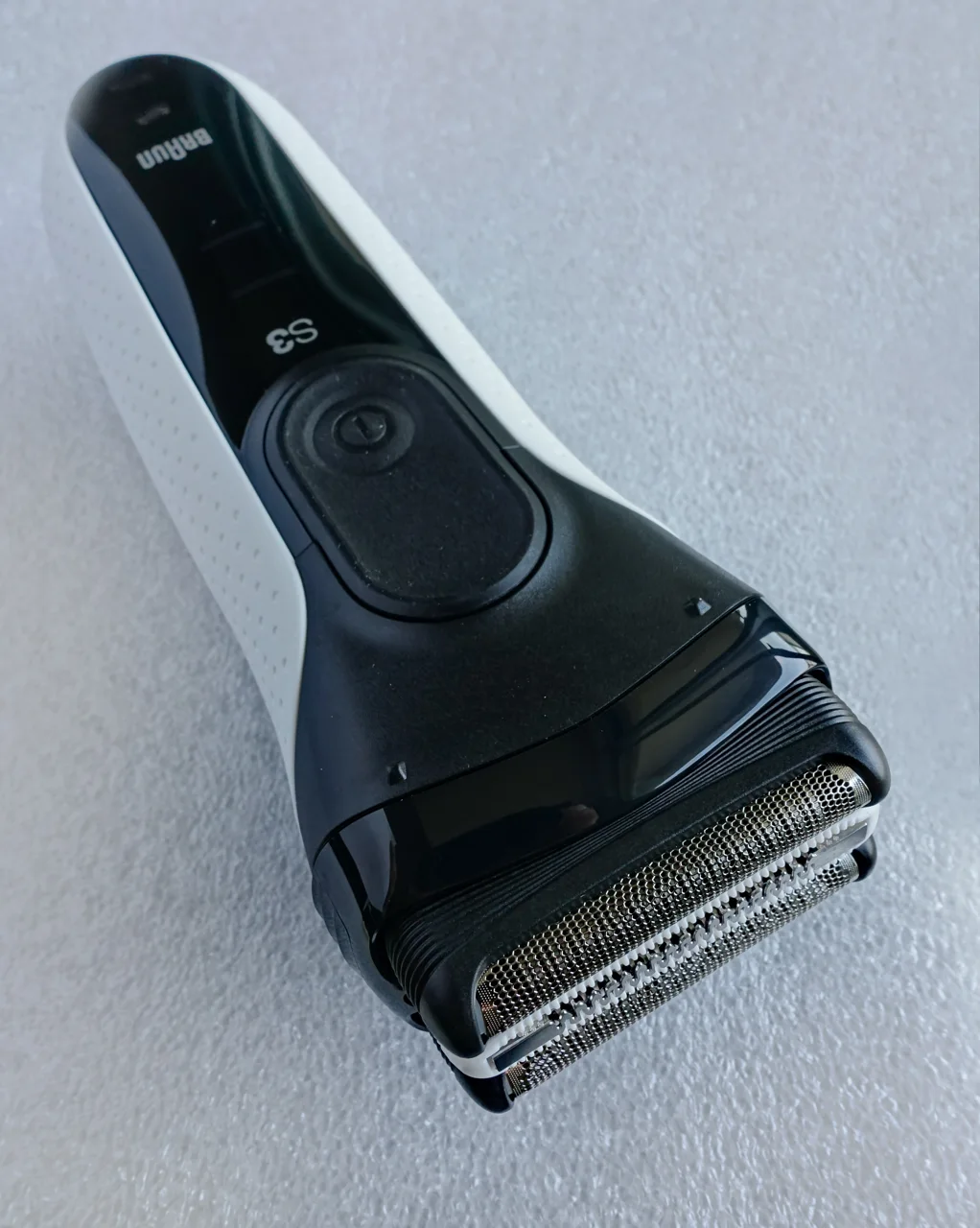
A photograph of the markings is useful when the lettering is small. Enter the model or type number in Braun’s service information, or include it when contacting support. A series name alone can cover several devices.
The code on the existing head can also help. If the shaver was bought second-hand or its replacement history is unknown, confirm that reference against the handle’s documentation before ordering the same part again.
Selecting the replacement reference
Compare the complete reference Braun supplies with the seller’s offer, including the final letter. Similar packaging, color or series wording can make different listings appear equivalent.
If a seller offers another reference as a newer replacement, look for Braun’s documentation of the change and its supported models. Use that information to confirm whether the alternative fits your handle.
Checking the delivered head
Read the code on the pack before opening it and compare it with your order. Photograph any difference and contact the seller while keeping the packaging and order details available.
Retain the old head until the replacement is fitted. Follow the installation instructions for the shaver, and stop if the cassette needs force to seat. Confirm the part and its orientation before continuing.
Find your Braun replacement reference
Where’s my model number?
Use the complete model number from the handle, underside label or rating plate.
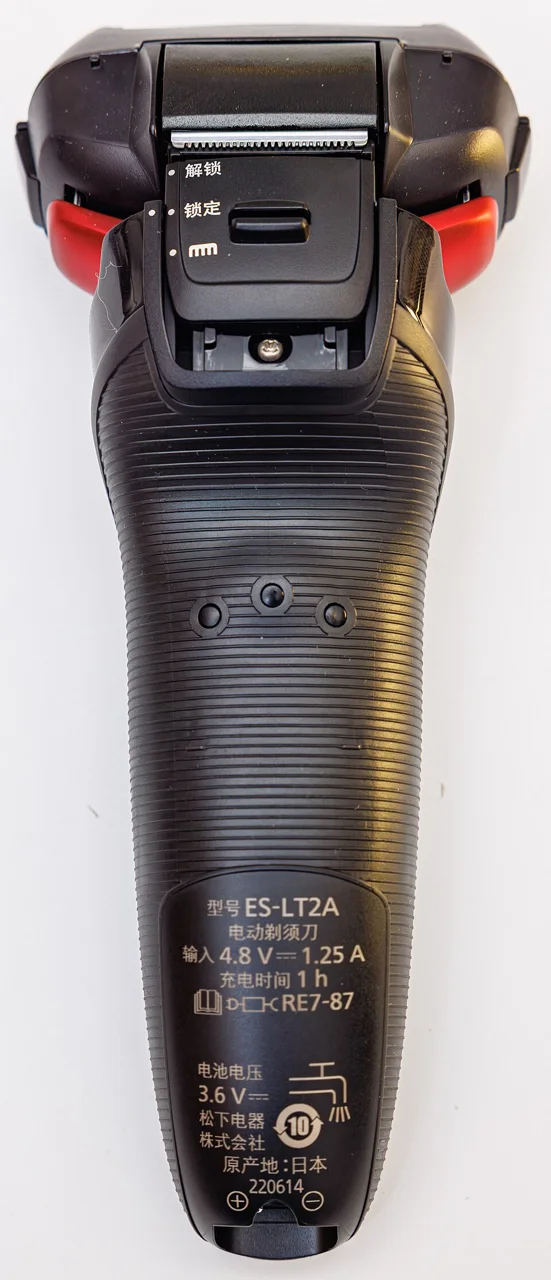
Photo credit & source
Original photograph · Orientation normalized, resized within 1280 × 1280 pixels and converted to WebP; no crop. Original reuse terms retained.
Browse Braun replacement parts for part references and model lists.
Check replacement references
| Reference guide | What to check |
|---|---|
| Braun 32B Replacement Head: Series 3 Model Guide | 32B identifies a Braun replacement shaving cassette. Use the model list below to check your full Series 3 handle code; a Series 3 label alone is not enough to select a head. |
| Braun 74S Replacement Head: Series 7 Model Guide | The 74S reference belongs to a Braun Series 7 replacement-head family. Check the documented model list before treating it as a substitute for another Series 7 cassette. |
| Braun 94M Replacement Head: Compatibility Guide | 94M is a complete Braun shaving cassette with the foil and cutting components together. Find your full Series 9 model in the manufacturer information below before comparing replacement offers. |
| Braun 96M Replacement Head: Models and Fit Checks | 96M is a Braun Series 9 Pro+ replacement-head reference. A newer part number alone does not establish that it replaces the head on your shaver; use the exact model evidence below. |
| Braun Series 9 9340s: reviewed 94M replacement answer | Open the existing exact-model answer for the 9340s and its reviewed replacement reference, manufacturer source and buying options. |
Sources
- Braun help centerChecked
- Braun US: 32B service compatibility listChecked
- Braun US: 83M service compatibility listChecked
- Braun US: 94M service compatibility listChecked
- Braun US: 96M service compatibility listChecked
- Official Braun Store UK: 96M head design and pack contentsChecked
- Braun US: Series 9 replacement-head sales pageChecked