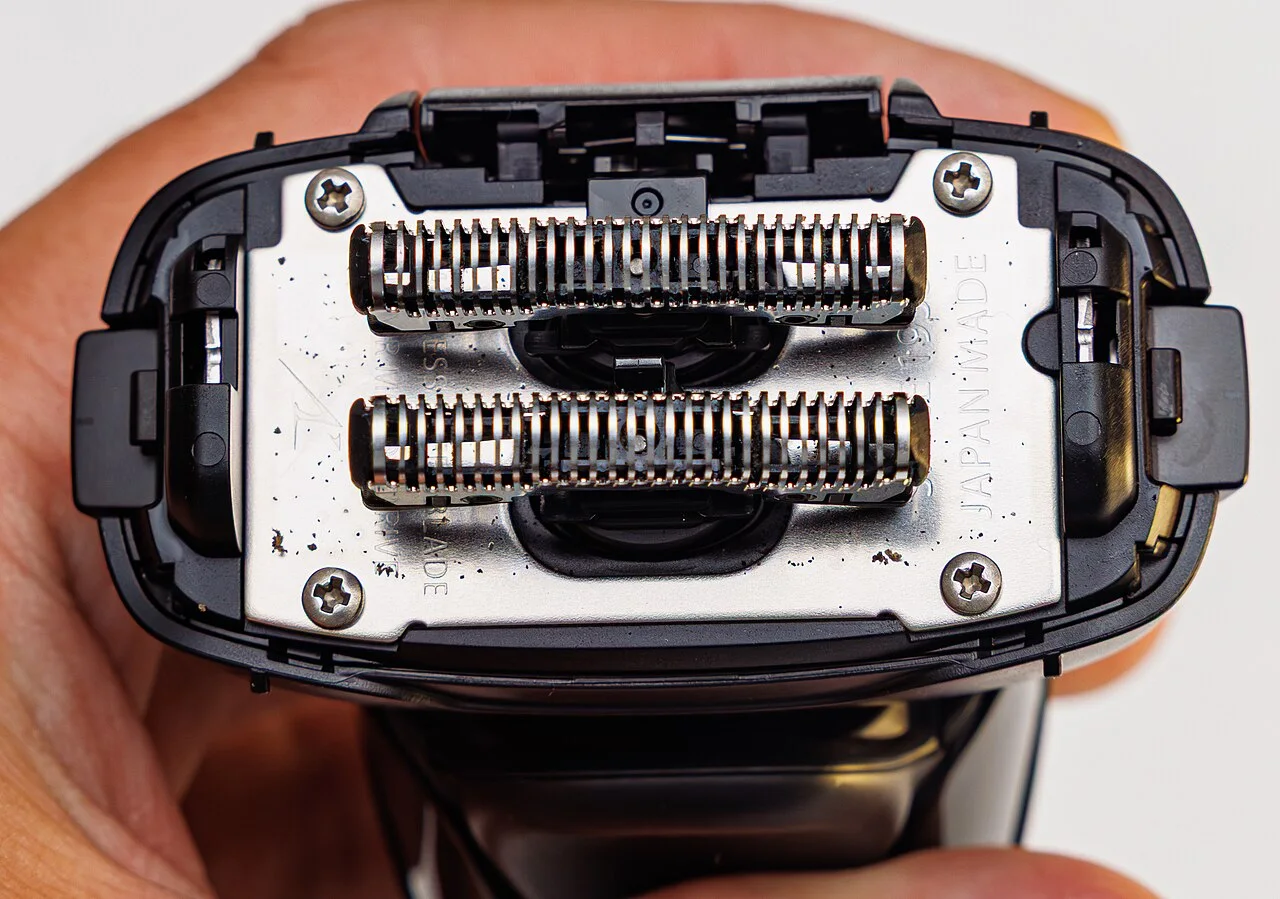

Look up the full ES model from your Panasonic shaver in its parts information, then select the reference for the component you need. The outer foil, inner blades and combined replacement set can each have a different part number. The model code is needed because a family name such as ARC5 covers several devices.
Newer integrated systems are different: WES9510 contains the outer foils and inner blades together for the documented US ARC5 PRO models ES-L550WS and ES-L580WS. The surrounding foil frame is retained, and a separate blade pair is not required.
The photograph shows a Panasonic ES-LT2A with its outer foil removed and the inner blades exposed. It illustrates the two components; the parts table for your own model determines which replacements to order.
Outer foil, inner blades or a combined set?
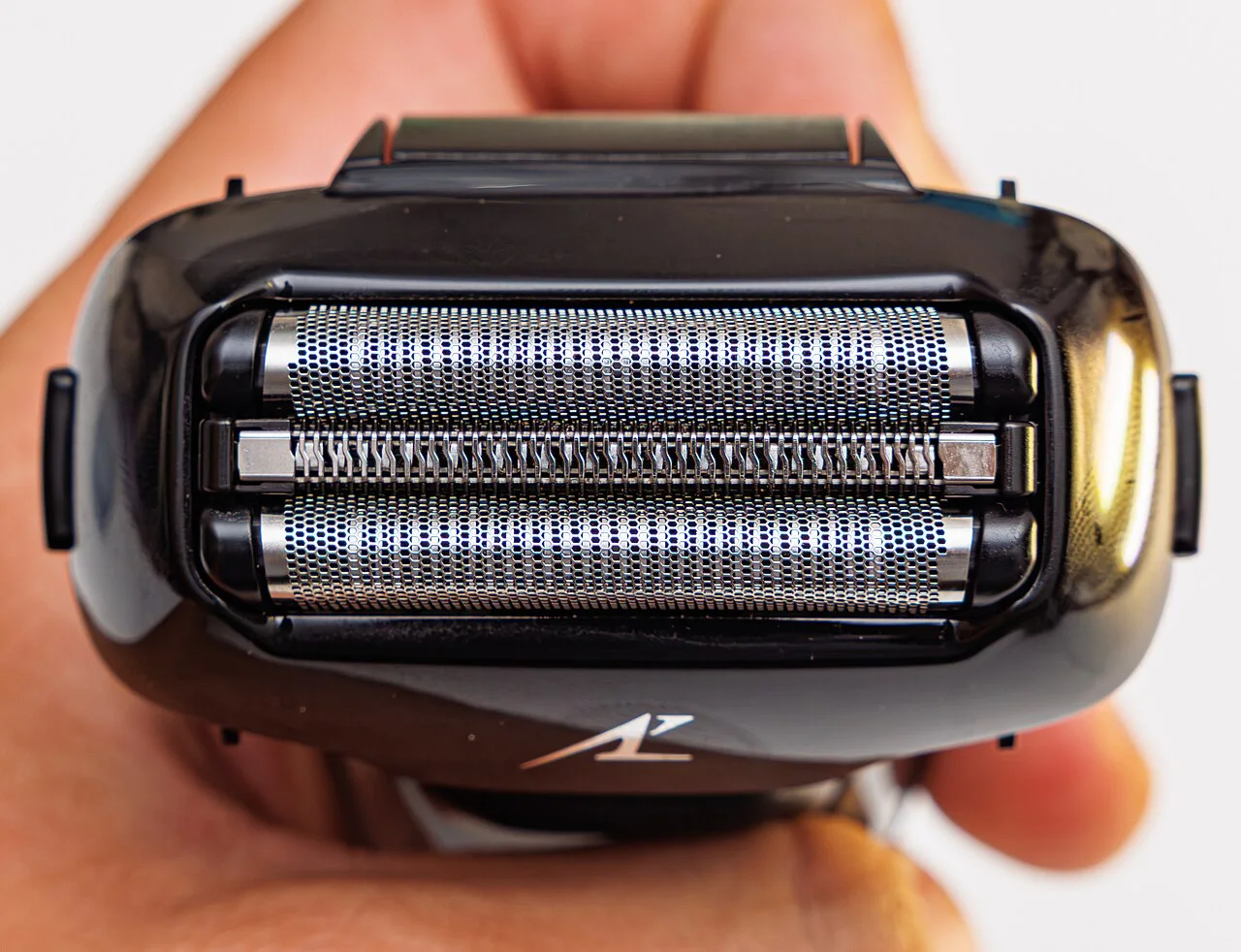
Photo source and reuse
Original photographOrientation normalized, resized within 1280 × 1280 pixels and converted to WebP; no crop. Original reuse terms retained. Small-screen version: Wikimedia Commons 500-pixel thumbnail, downloaded without further edits.
Panasonic sells WES9173P as an ARC5 outer foil and WES9170P as separate ARC5 inner blades. Buying the outer foil alone therefore does not supply both components. Each product page carries its own compatible-model list.
WES9600P is an ARC6 blade-and-foil set. Its combined contents distinguish it from an individual foil, but they do not make it a substitute for an ARC5 part. Match the complete ES handle code on the relevant product page before comparing prices.
Choosing a reference from the parts table
Panasonic’s support tables distinguish the system outer foil, inner blades and combined set for supported models. Find the row for your full model code, then read the reference in the column for the component you want to replace.
The combined set has its own reference. Use the number listed for that set rather than trying to derive it from the individual foil and blade numbers. When comparing a seller’s offer, match the reference, quantity and included components with the table.
Foil frames and fitting
Read the removal instructions before discarding the existing assembly. Some models reuse the plastic foil frame, and Panasonic specifically instructs owners to keep it. The new cutting parts may need to be fitted into that frame.
If the frame or a release button is damaged, check whether that piece is included in the set. Replacing the metal foil and blades can leave the damaged frame in place, so a separate part may be needed.
When the replacement arrives, compare the printed reference with your order before opening the pack. Keep the old assembly available until you have confirmed the contents, then follow the fitting instructions for your model.
ARC5, ARC5 PRO, PALM or ARC6?
The product family does not identify the cutting unit on its own. Panasonic’s US comparison chart separates these replacement systems; use the full model to choose the row before comparing a seller’s pack.
| System in Panasonic’s US chart | Replacement references | What to distinguish |
|---|---|---|
| ARC5 with separate blades | WES9173P foil; WES9170P blades; WES9032P set | The individual foil and blade packs are separate purchases. |
| ARC5 PRO | WES9510 | Outer foils and inner blades form one unit; retain the foil frame. |
| ARC5 PALM | WES9181 outer foil; WES9040P set | Use the PALM-specific references; these are not the ARC5 PRO unit. |
| ARC6 | WES9600P set | Six-blade replacement system; do not substitute an ARC5 reference. |
ES-LV65: fitting the foil, blades and retained frame
These are the ES-LV65 instructions for separate foils and inner blades. Switch off and disconnect the shaver first; they do not cover the integrated WES9510 unit.
- Release the foil frame and lift off the outer section. To change the metal foil, use its separate release buttons and lower it out of the frame. Keep the undamaged frame.
- Align the printed marks when attaching the replacement foil. Put the foil into the frame before refitting the complete section, with the frame mark facing forward.
- Remove and insert the inner blades individually, keeping your fingers away from their metal edges. Each blade must click into place; both must be installed.
- The US ES-LV65 manual clears its annual blade/foil reminder with a power-button hold longer than 30 seconds. A hold longer than two seconds starts sonic cleaning instead. Inspect the cutting parts before clearing the reminder; a reset does not repair wear or approve another part reference.
Find your Panasonic foil or blade set
Where’s my model number?
Use the complete model number from the handle, underside label or rating plate.
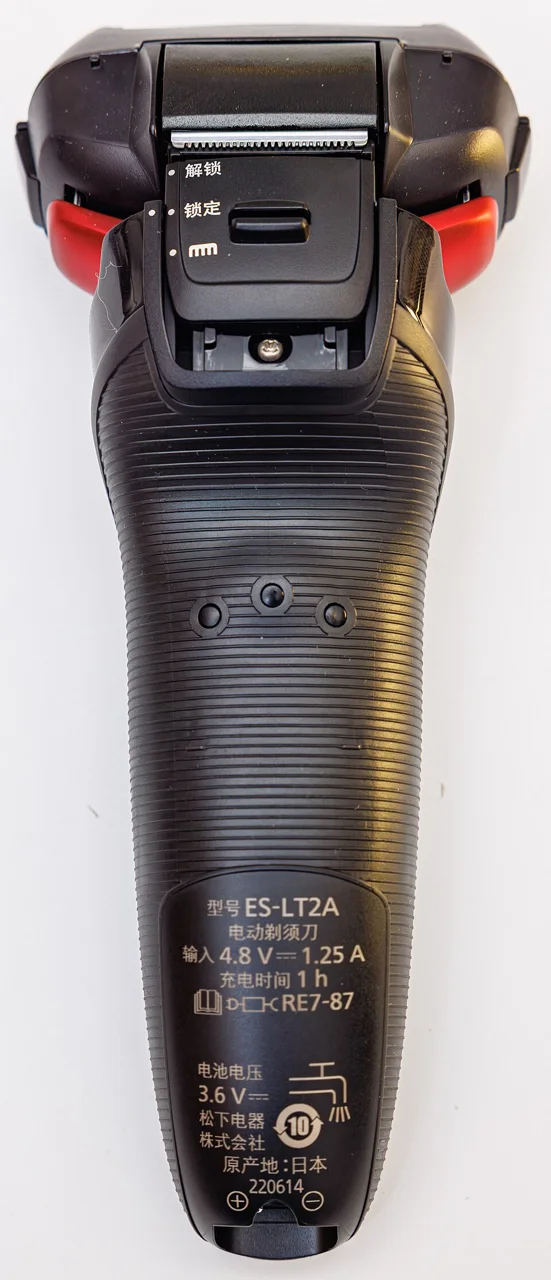
Photo credit & source
Original photograph · Orientation normalized, resized within 1280 × 1280 pixels and converted to WebP; no crop. Original reuse terms retained.

Browse Panasonic replacement parts for part references and model lists.
Check replacement references
| Reference guide | What to check |
|---|---|
| Panasonic WES9015P: ARC3 Foil and Blade Set Guide | WES9015P identifies an ARC3 replacement set. This family also includes separate foil and blade references, so compare what is included as well as the full shaver model. |
| Panasonic WES9032P, WES9173P and WES9170P Guide | A combined foil-and-blade set, an outer foil and inner blades are different purchases. Compare the WES9032 family with WES9173P foils and WES9170P blades, retaining the exact regional suffix on each offer. |
| Panasonic WES9600P: ARC6 Foil and Blade Set | WES9600P is sold as a replacement blade-and-foil set for ARC6 shavers. Use Panasonic’s listed model codes to identify the matching set rather than choosing by the ARC6 family name alone. |
| Panasonic WES9510: integrated ARC5 PRO cutting unit | Foils and blades are integrated for the documented US ES-L550WS and ES-L580WS models. Keep the foil frame and compare the complete replacement reference. |
| Panasonic WES9040P / WES9181P: ARC5 PALM parts | Distinguish the PALM replacement set and outer foil from the ARC5 PRO cutting unit. |
| ES-LV65-S outer foil and separate inner blades | Keep the US WES9173P foil and WES9170P blade purchases separate while following the ES-LV65 fitting instructions. |
Sources
- Panasonic: replacing foils and bladesChecked
- Panasonic US: WES9173P outer foilChecked
- Panasonic US: WES9170P inner bladesChecked
- Panasonic US: WES9600P blade-and-foil setChecked
- Panasonic US: comparison of ARC5, ARC5 PRO, PALM and ARC6 replacement systemsChecked
- Panasonic US: ES-L550W instructions, page 15Checked
- Panasonic US: ES-L580W instructions, pages 19–21Checked
- Panasonic US ES-LV65 operating instructions, printed pages 13–14Checked