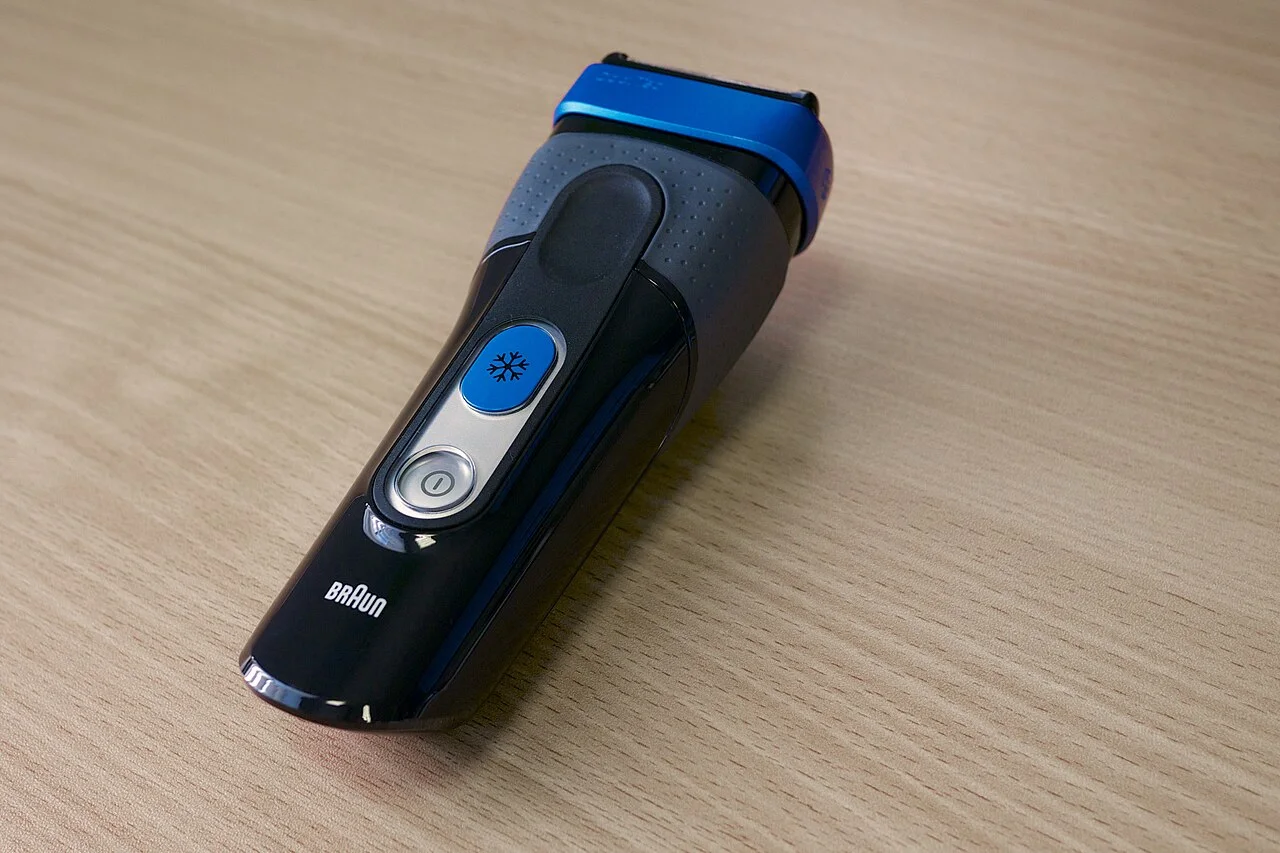

If a rattle or scraping sound begins immediately after fitting a replacement head, switch the shaver off and inspect the installation.
Confirm the replacement reference and the direction in which the head should be fitted before removing and refitting it.
Inspect the head and its retainers
The head should sit in the position shown in the fitting instructions, with its retaining pieces secured. An uneven assembly or a latch that will not close needs attention. Do not press on the foil to force it into place.
If the replacement reuses the old holder or frame, inspect it for a cracked clip or broken latch. Compare the contents of the new pack with the fitting instructions to identify missing pieces, and keep the packaging while the problem is investigated.
Separate normal motor pitch from a new installation noise
Panasonic explains that its linear-motor models normally make a high-pitched sound. A new rattle or scraping sound after a head change still calls for the installation checks above.
For the models covered by that guidance, check blade attachment and clean the outer foil. Apply oil only as instructed for your model; Panasonic specifically refers to models supplied with oil. Replace a damaged or deformed outer foil instead of trying to straighten it.
| Observation | Next check |
|---|---|
| New rattle immediately after fitting | Switch off; compare the assembly, retainers and pack contents with the model instructions. |
| Usual steady high pitch on a Panasonic linear-motor model | Compare with the manufacturer description of normal sound. Pitch alone does not identify a failed part. |
| Visible damage or a deformed foil | Stop using that assembly and identify the specified replacement. |
| Noise persists after the documented fitting and care checks | Give support the handle code, replacement code and when the noise began. |
If the noise continues
Follow the shaver’s normal maintenance instructions for any cleaning or lubrication required during installation. Do not open the motor housing to investigate a head replacement.
Contact the manufacturer or seller if the assembly appears correct and the sound remains. Describe whether you hear a loose rattle, scraping or a change in pitch, and state that it began immediately after replacement. Include the handle model, part reference and the checks you have completed.
Panasonic’s loud-sound troubleshooting page is included in the sources below. Use the guidance applicable to your device, since the normal operating sound varies between shavers.
Check replacement references
| Reference guide | What to check |
|---|---|
| Philips Norelco SH71/52 Replacement Heads: Fit Guide | SH71/52 is the US replacement-pack reference in this Philips Norelco head family. Other markets also list SH71/50. Keep the pack suffix and your full shaver code when checking the manufacturer information. |
| Andis 563814 / 563219: ProFoil Plus II Replacement Parts | The ProFoil Plus II TS-3 uses its own foil-and-cutter replacements. Compare the 563814 and 563219 references with the finish and contents listed by Andis. |