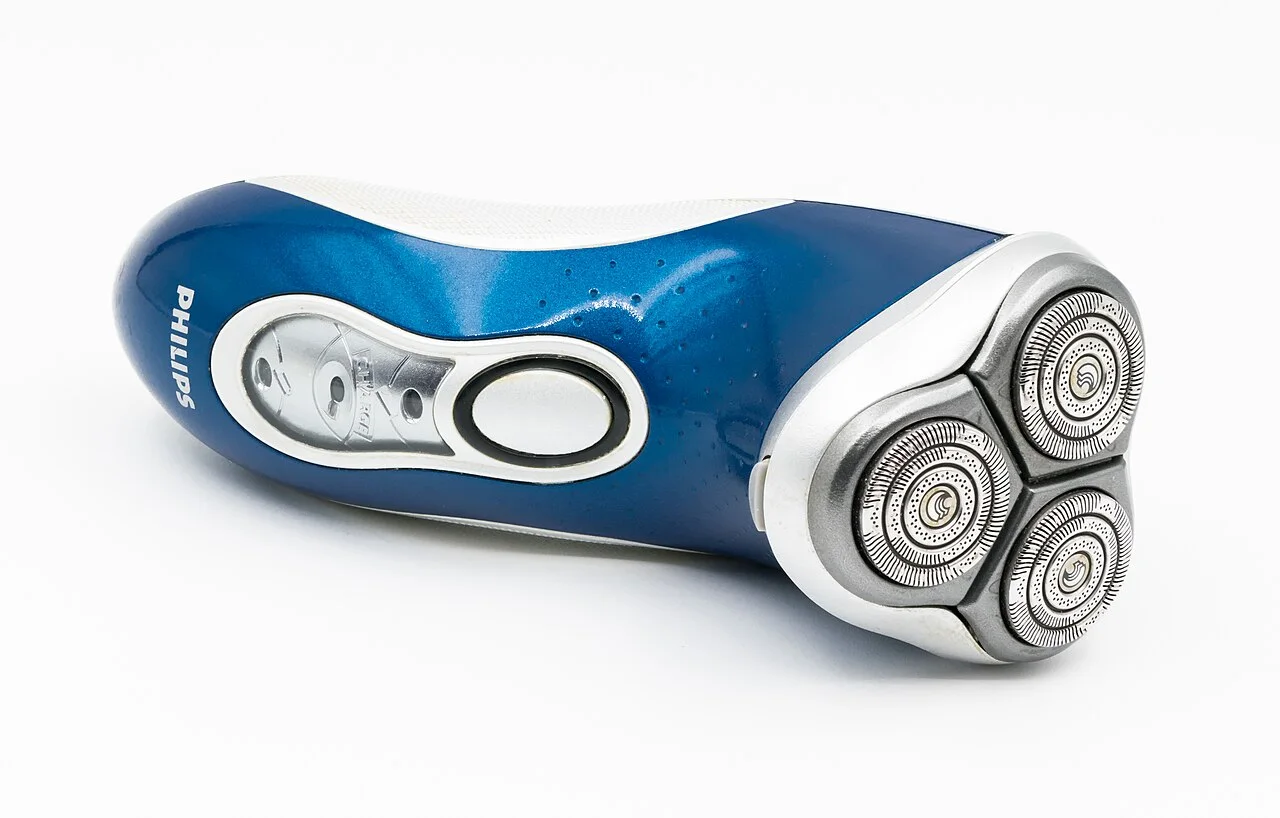

Stop shaving and switch the shaver off if it starts pulling at hairs. Inspect the foil or guards for damage and look for loose parts.
Set a damaged assembly aside; do not press harder to continue shaving or test exposed cutters against your skin.
Gradual loss of shaving performance
Check the charge and carry out the usual cleaning routine. Make one change at a time where possible so you can judge whether it has helped.
If cleaning makes no difference, establish how long the cutting parts have been in use and compare their age with the manufacturer’s replacement guidance.
Pulling immediately after cleaning
Review the parts removed during cleaning and their fitting instructions. Make sure the head is seated correctly and that the retaining pieces are secure. On a rotary shaver, each cutter should remain with its original guard.
Pulling with a replacement head
Compare the reference printed on the replacement pack with the part specified for your handle. Some replacements reuse the existing holder or frame, so confirm that every required component is present and fitted in the position shown in the instructions.
If pulling continues, contact the seller or manufacturer with the handle model, replacement part code and a description of when the problem started. Include any unusual noise, visible damage and the fitting or cleaning checks already completed.
Use the timing to choose your next check
Keep the handle code and replacement-pack code together while you work through these checks. A worn component, a fitting error and the wrong reference need different solutions.
| When it started | Check first | Next step if unresolved |
|---|---|---|
| Gradually with the old head | Charge and the model-specific cleaning routine; inspect for damage. | Compare cutting-part age with the manufacturer replacement guidance. |
| Immediately after cleaning | Reassembly, seating and retainers; preserve each rotary cutter and guard pairing. | Follow the model manual or ask manufacturer support before further use. |
| Immediately after a new head | Full handle code, full replacement reference and included versus reused parts. | Contact the seller or manufacturer with both codes and the symptoms. |
Check replacement references
| Reference guide | What to check |
|---|---|
| Braun 32B Replacement Head: Series 3 Model Guide | 32B identifies a Braun replacement shaving cassette. Use the model list below to check your full Series 3 handle code; a Series 3 label alone is not enough to select a head. |
| Panasonic WES9032P, WES9173P and WES9170P Guide | A combined foil-and-blade set, an outer foil and inner blades are different purchases. Compare the WES9032 family with WES9173P foils and WES9170P blades, retaining the exact regional suffix on each offer. |
Sources
- Braun: cleaning and shaver careChecked
- Philips: cleaning your shaverChecked